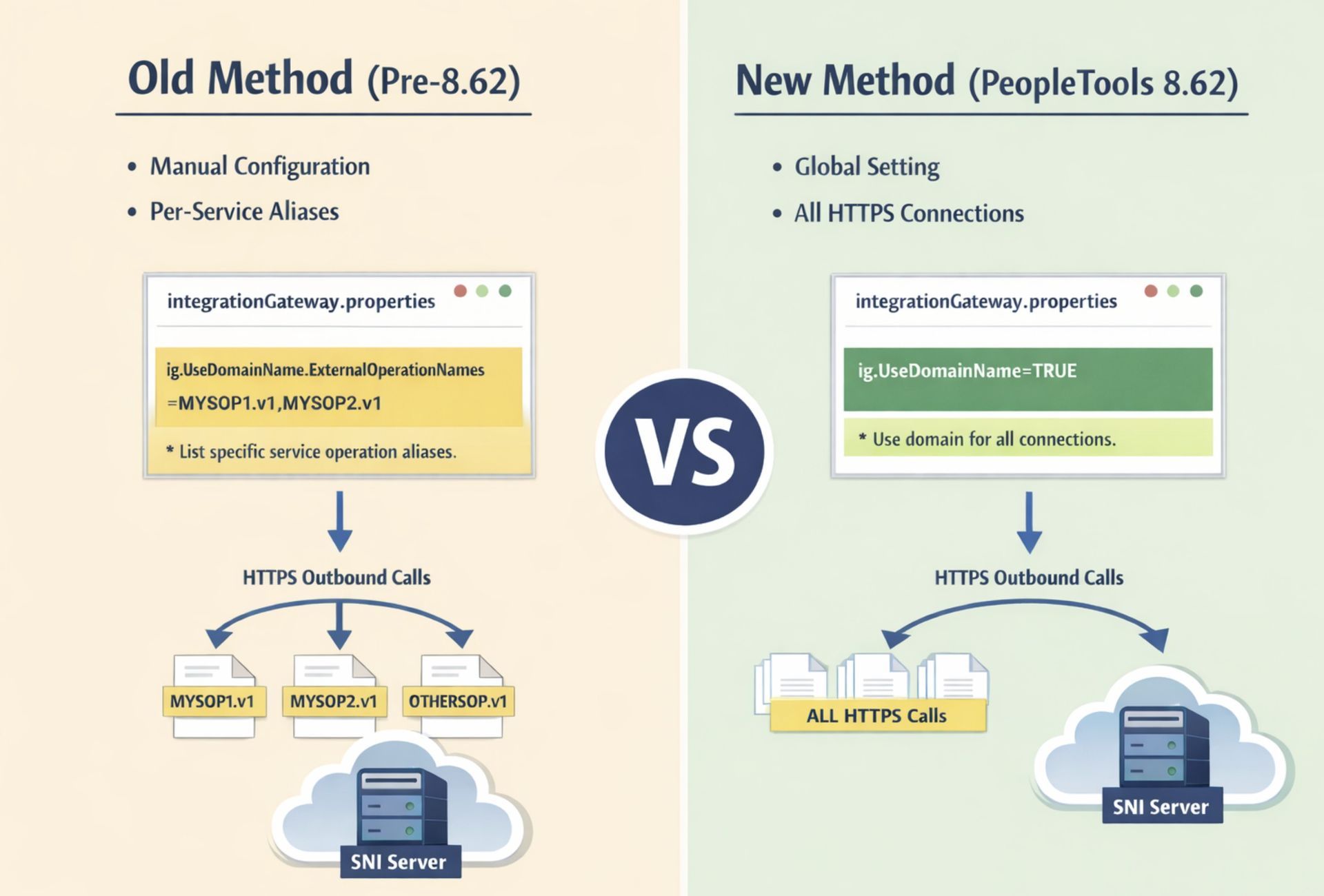
This has historically required a workaround using the integrationGateway.properties file, where you had to list all service operation aliases requiring SNI: ig.UseDomainName.ExternalOperationNames=MYSOP1.v1,MYSOP2.v1
With this setting, IB would preserve the hostname for those specific outbound calls, enabling SNI support.
The New Approach in PeopleTools 8.62
PeopleTools 8.62 introduces a simpler and more robust way to handle SNI.
New Global Option: ig.UseDomainName
# By default, hostnames in URLs are converted to IP addresses in Integration Gateway.
# Setting this property to TRUE instructs Integration Gateway to use domain names for all HTTP/HTTPS connections
# unless overridden by an individual HTTP Target Connector property (Use-DomainName=N).
ig.UseDomainName=TRUE
Benefits of this new option:
· No longer necessary to maintain a long list of service operation aliases in ig.UseDomainName.ExternalOperationNames.
· Automatically preserves the hostname for all outbound HTTPS calls, enabling SNI wherever required.
· Simplifies configuration and reduces maintenance, especially in environments with multiple service operations.
Legacy Option Still Available
For selective use, the old property is still supported:
ig.UseDomainName.ExternalOperationNames=MYSOP1.v1, MYSOP2.v1
· This allows you to enable domain-name usage for specific integrations only.
· Values are comma-separated; no spaces.
Steps to Enable the Feature
- Open your integrationGateway.properties file.
- Add or update the new property: ig.UseDomainName=TRUE
- 3. (Optional) If needed, list any service operation aliases in the legacy property: ig.UseDomainName.ExternalOperationNames=
- Restart the Integration Gateway web server to apply changes.